User Registration
Create an Account
The user can access the Sign Up page by clicking the link at the bottom of their Login screen. Once there, all required fields consist of:
- First Name
- Last Name
- Phone Number (must be unique)
- Password (minimumn of 8 characters long)
After passing the basic validation of account infomation, the user will then be redirected to the OTP Verification page. They will also receive a text message with an OTP verification code. NoRush wants all our users to be using verified phone numbers to prevent any misuse of the platform. The user will have 10 minutes to enter the OTP code. If the code is not entered in this time, the user will have to request a new one by pressing the Resend OTP button. Once the OTP is entered and successfully verified, the user will be logged into their new account!
Sign In To Your Account
Once on the Sign In page, all required fields consist of:
- Phone Number
- Password
After entering the required fields, the user can press the Sign In button to access their account. If the user has not yet verified their phone number, they will be redirected to the OTP Verification page. If their code has expired, it will be resent to the user, else the user must wait until a new code can be generated. Again, once the OTP is entered and successfully verified, the user will be logged into their new account!
Forgot Your Password?
If the user has forgotten their password, they can press the Forgot Password? link within the Login screen. This will redirect the user to the Reset Password page. Here the user must enter the phone number associated with their account. The phone number will be used to check if the user exists in our system.
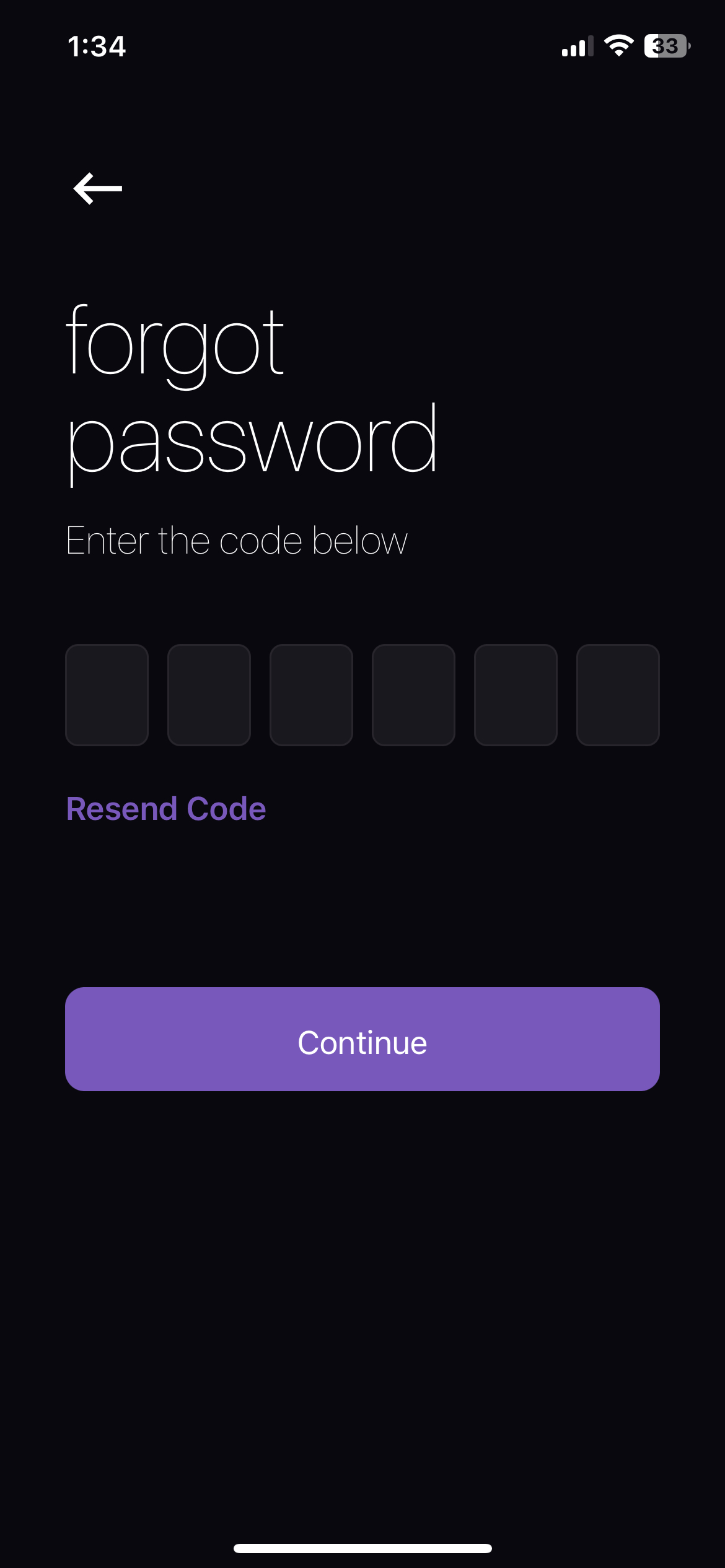
If so, the user will be send an SMS message containing a code. The input used to type the code will be prompted to the user. The code has an expiration time of 10 minutes. If the code is not entered in this time, the user will have to request a new one by pressing the Resend OTP link.
Once the code is entered and successfully verified, the user will be prompted to enter their new password twice, after which they can press Continue to save their new password. When the new password is successfully saved in our system, the user will be told to now Login with their new password!